Easily pay your ISP bill with The Matrix’s convenient, secure options. Enjoy hassle-free payments online, via app, or in-store ensuring your internet stays fast and uninterrupted.
Payment via Online
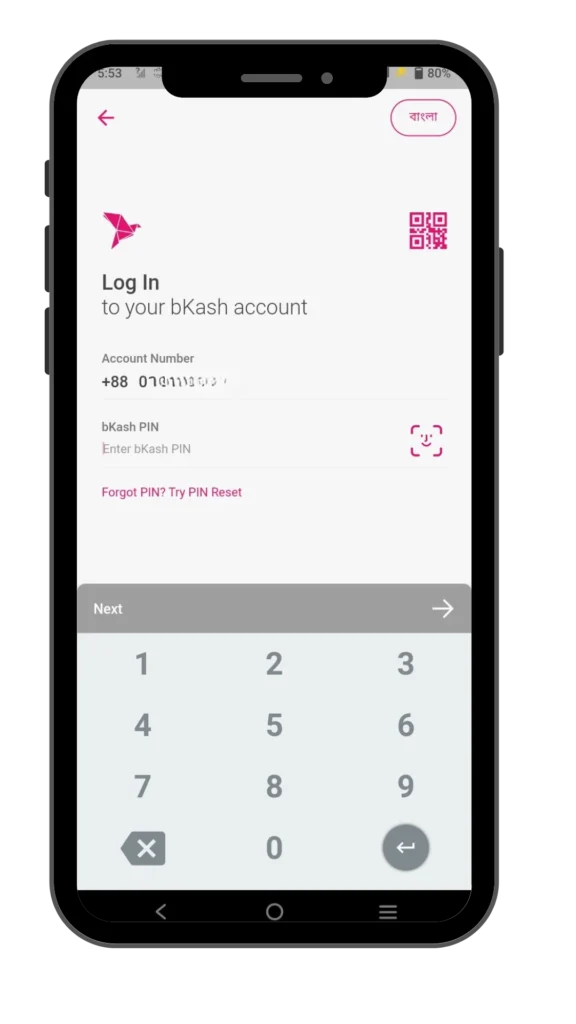
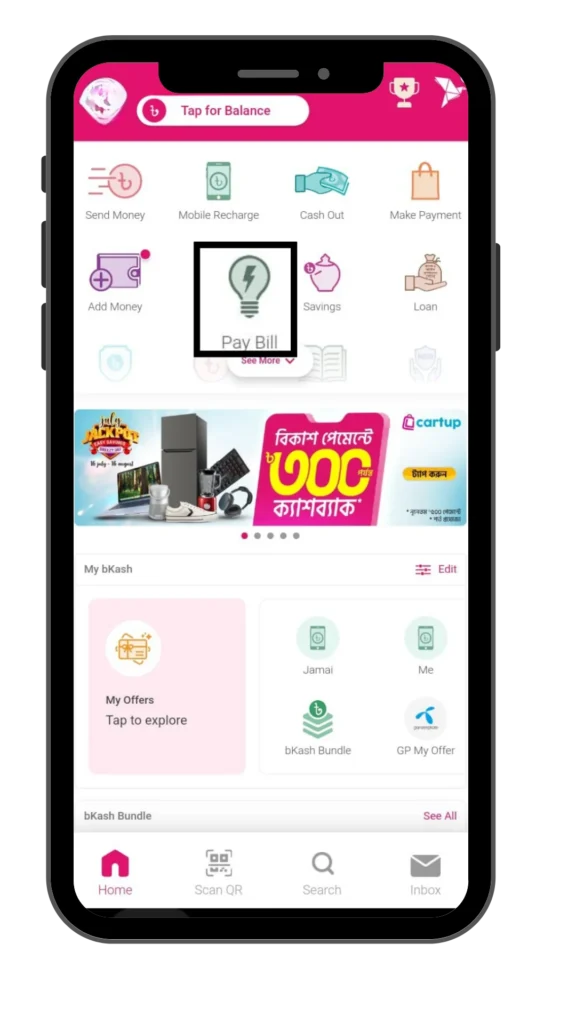
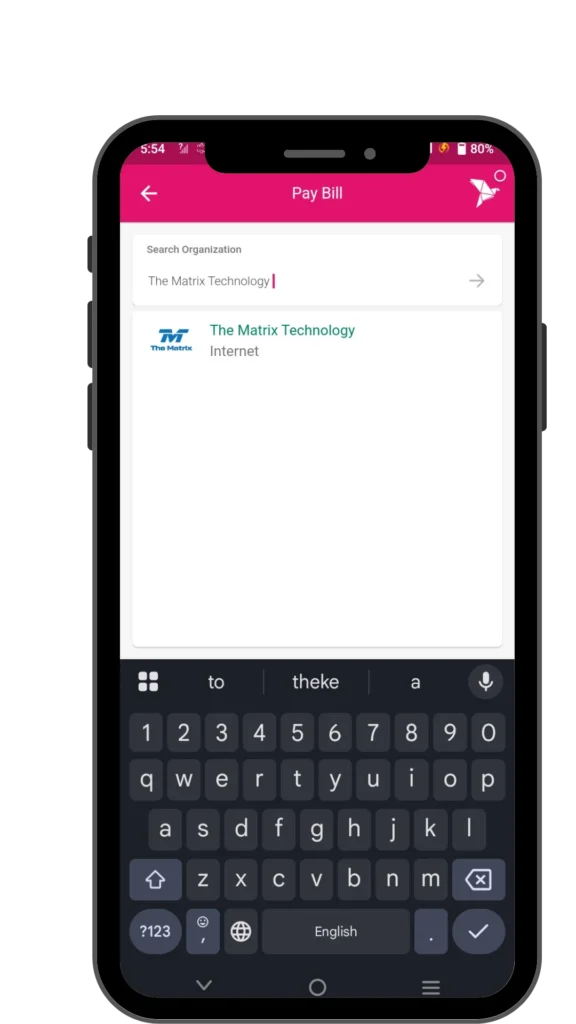
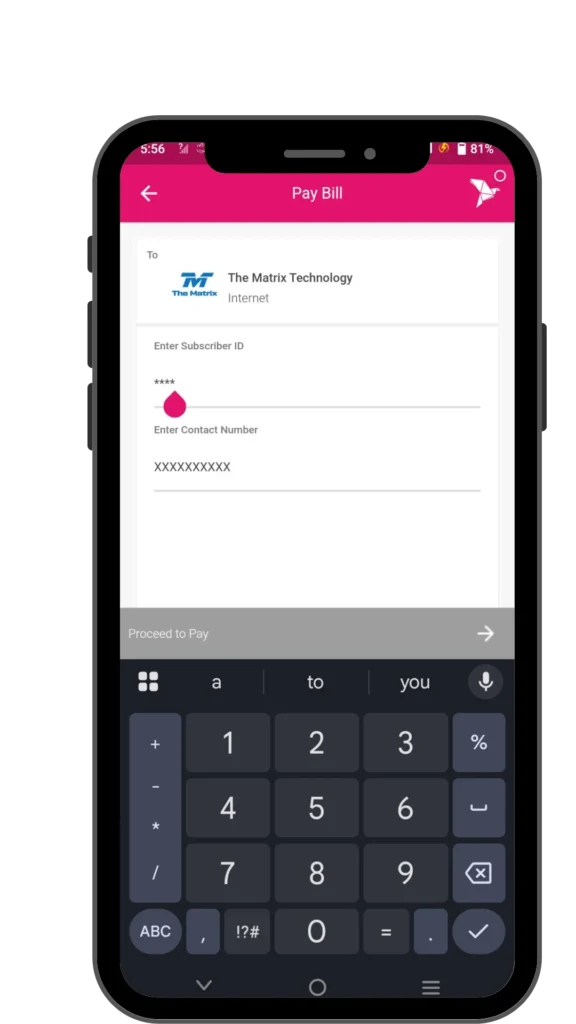
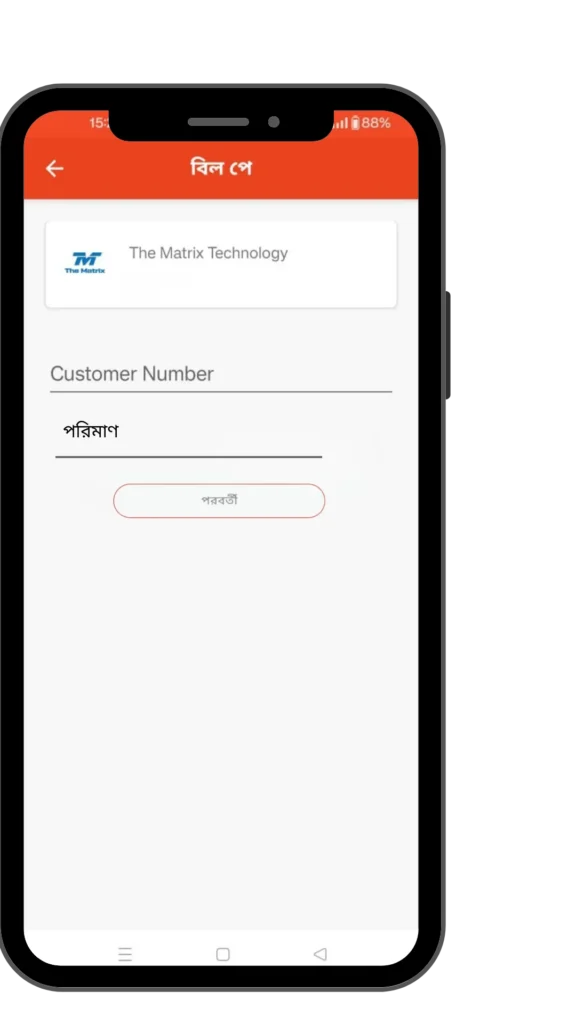
Payment via
App
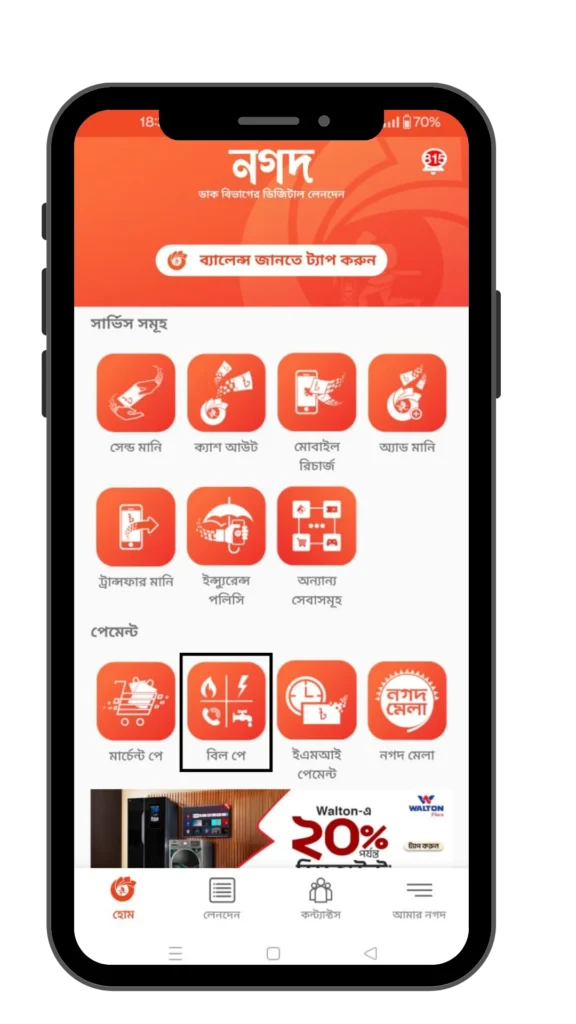
Step 1
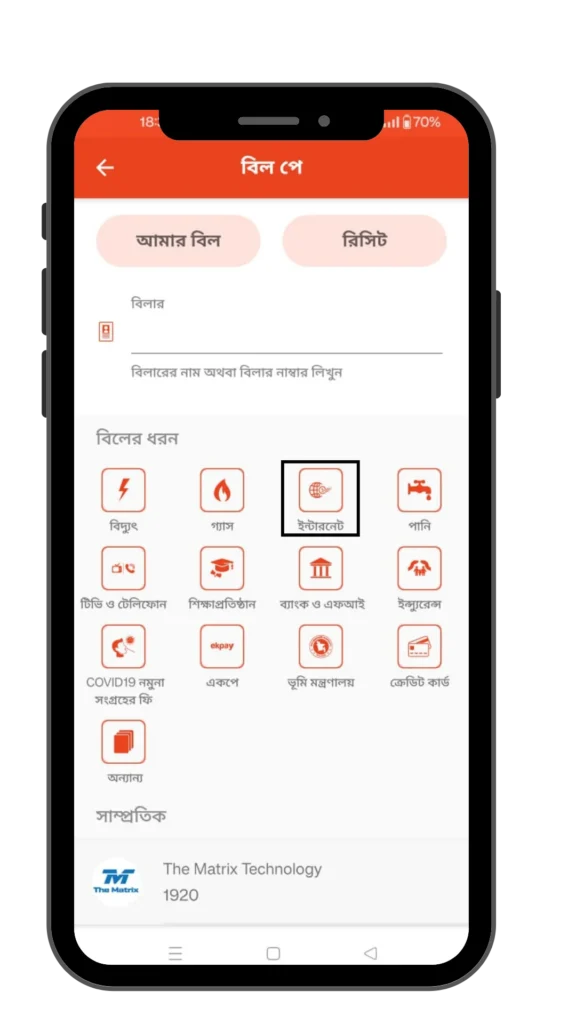
Step 2
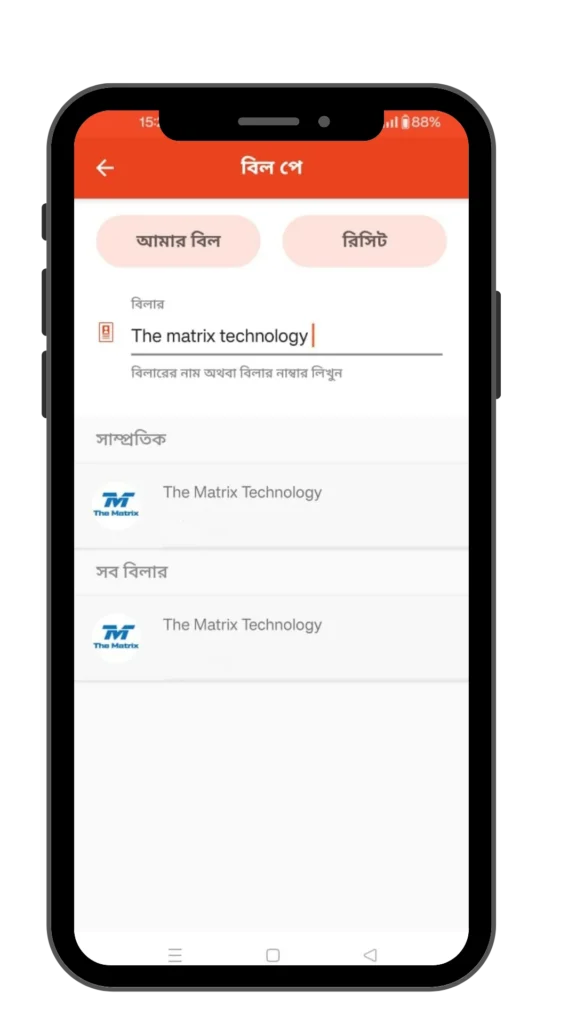
Step 3
Step 4
Step 5
Step 6
Step 7
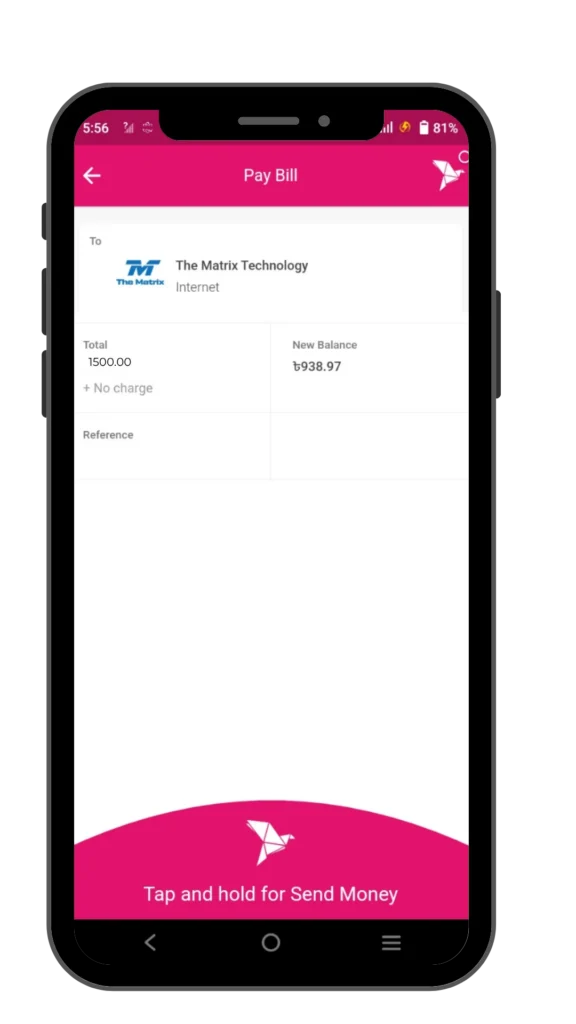
Step 8
Payment via
Step - 1
bKash 1.Send Money 2.Send money to Non-bKash User 3.Mobile Recharge 4.Payment 5.Cash Out 6. Pay Bill7.Microfinance 8.Download App 9.May bKash 10.Rest PIN
Step - 2
Pay Bill 1.Electricity (Prepaid) 2.Electricity (Postpaid) 3.Gas 4.Water 5.Internet and Phone6.TV 7.City Services 8.Education 9.Financial Services #NEXT
Step - 3
Internet and Phone 1.BTCL 2.Link3 3.The Matrix4.Carnival 5.Sam Online 6.Triangle 7.KS Network 8.Dot Internet 0.main Manu
Step - 4
Amber IT 1.Check Bill 2.Make Payment0.Main Manu
Step - 5
Make Payment 1.Input Customer ID2.Saved Accounts 0.Main Manu
Step - 6
Enter Customer IDXXXXXX
Step - 7
Enter Contact Number
01XXXXXXXXX
Step - 8
Enter Amount
XXXX
Step - 9
Bill Payment To: AmberIT Customer ID: XXXXXX Contact Number: 01xxxxxxxxx Amount: Tk xxxx Enter Menu PIN to Confirm: XXXX